
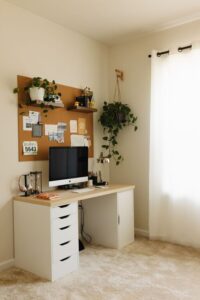


Creating a relaxing home workspace is essential for boosting productivity, especially as more people work remotely. A well-designed environment minimizes distractions, lowers stress, and helps you stay focused during your work hours. Here are some practical tips to help you set up a calming and productive home office.
Choose the Right Location
Your workspace location influences how comfortable and focused you feel.
– Quiet Space: Select a spot with minimal noise and foot traffic to reduce interruptions.
– Natural Light: If possible, position your desk near a window. Natural light can improve mood and energy levels.
– Privacy: Use a separate room or a corner with a screen or divider to create a sense of separation from home life.
Invest in Comfortable Furniture
Comfort plays a big role in how long you can work effectively.
– Ergonomic Chair: Choose a chair that supports your spine and encourages good posture.
– Adjustable Desk: Consider a desk at the right height or one that can switch between sitting and standing.
– Supportive Accessories: Use a footrest, wrist pads, or a monitor stand to prevent strain.
Organize Your Space
An organized environment reduces stress and saves time.
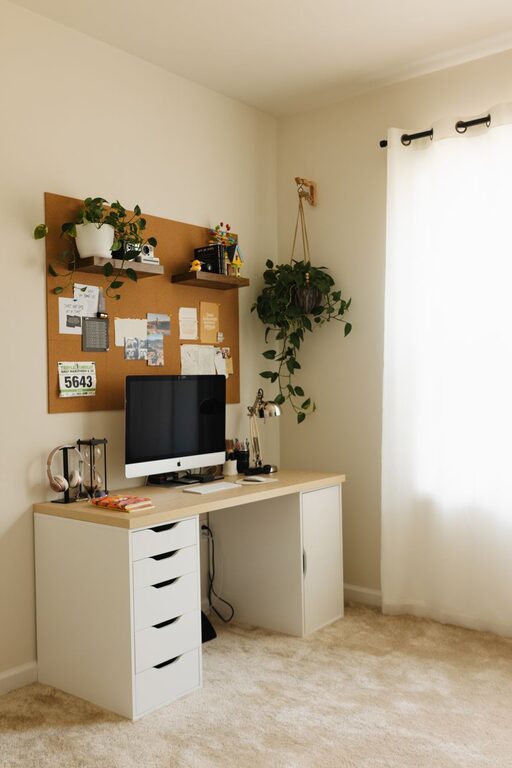
– Declutter Regularly: Keep only essential items on your desk.
– Storage Solutions: Use shelves, drawers, or bins to keep supplies tidy.
– Cable Management: Use clips or ties to keep cords organized and out of sight.
Incorporate Calming Elements
Soothing features can help maintain a relaxed mindset.
– Plants: Add greenery to improve air quality and bring nature indoors.
– Colors: Choose calming colors like soft blues, greens, or neutrals for walls and accessories.
– Personal Touches: Display photos, art, or objects that inspire and relax you.
Control Lighting
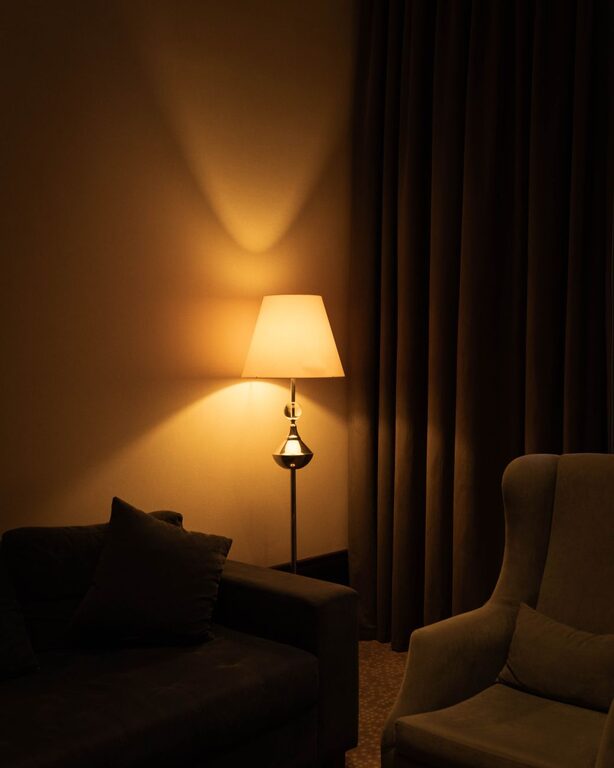
Proper lighting reduces eye strain and creates a pleasant atmosphere.
– Layered Lighting: Use a combination of natural light, overhead lights, and desk lamps.
– Adjustable Lamps: Opt for lamps with dimming options to control brightness.
– Avoid Glare: Position screens and lights to prevent reflections.
Minimize Distractions
Keeping your workspace distraction-free boosts concentration.
– Silent Notifications: Turn off unnecessary app alerts or use do-not-disturb modes.
– Separate Work and Leisure: Avoid workspace areas where you typically relax or watch TV.
– Headphones: Use noise-cancelling headphones or soothing music to block background noise.
Maintain Good Air Quality
Fresh air helps keep you alert and comfortable.
– Ventilation: Open windows regularly or use an air purifier.
– Plants: As mentioned, certain plants can purify the air.
– Temperature: Keep your workspace at a comfortable temperature for focus.
Establish a Routine
Your environment works best when combined with healthy habits.
– Set Working Hours: Keep regular start and end times to create balance.
– Breaks: Take short breaks to stretch or walk to prevent fatigue.
– Clean Up: Spend a few minutes at the end of each day tidying your space.
Use Technology Wisely
Technology should support, not hinder, your productivity.
– Reliable Equipment: Ensure your computer and internet connection are stable.
– Productivity Apps: Use tools for task management, focus timers, or note-taking.
– Limit Multitasking: Focus on one task at a time to improve work quality.
—
Designing a relaxing home workspace is a personal process. Experiment with different ideas to find what makes you feel calm and focused. By paying attention to location, comfort, organization, and ambiance, you’ll create an environment that supports both well-being and productivity.