


Creating a cozy and inviting home workspace is essential for anyone who spends a significant amount of time working from home. A well-designed and comfortable workspace not only improves productivity but also enhances your mood and creativity. If you’re looking to turn your home office into a pleasant retreat, these practical tips will help you craft a space that’s both functional and welcoming.
Choose the Right Location
The foundation of a cozy workspace starts with selecting the right spot in your home. Consider these factors:
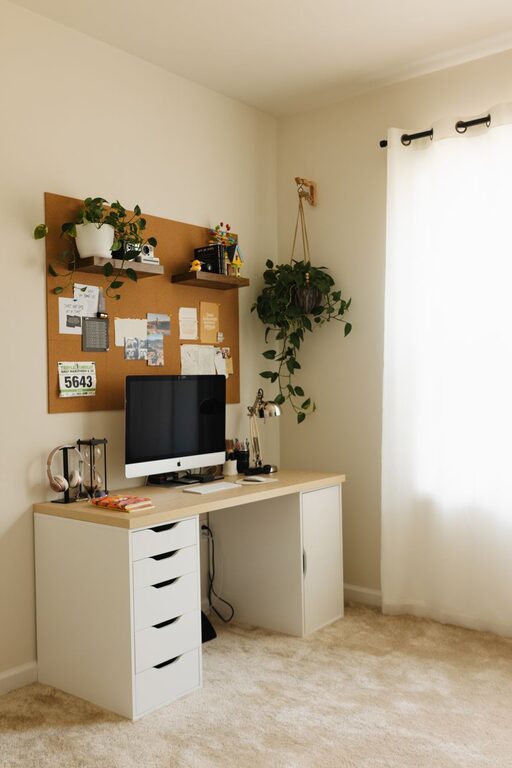
– Natural Light: Position your desk near a window, if possible. Natural light can boost your mood and reduce eye strain.
– Quiet Area: Choose a location away from heavy traffic or noisy appliances to maintain focus.
– Space Availability: Make sure there’s enough room for your desk, chair, and necessary equipment without feeling cramped.
Invest in Comfortable Furniture
Comfort is key to a workspace where you can focus and work for long periods without discomfort.
Desk Selection
– Opt for a desk with enough surface area for your computer, paperwork, and other essentials.
– Adjustable desks or standing desk converters provide flexibility to switch between sitting and standing.
Seating Matters
– Choose an ergonomic chair with good lumbar support.
– If possible, add a cozy cushion or a small blanket for extra warmth during colder days.
Personalize Your Space
Adding personal touches can make your workspace feel more inviting and boost your motivation.
– Decor: Hang artwork or photos that inspire you.
– Plants: Add some greenery with low-maintenance indoor plants; they improve air quality and add a sense of calm.
– Colors: Use colors that promote focus and calmness. Soft blues, greens, or warm neutrals are popular choices.
Organize for Efficiency
A clutter-free space helps you stay focused and minimizes stress.
– Storage Solutions: Use shelves, bins, or drawer organizers to keep items neatly stored.
– Cable Management: Tidy up cables with clips or sleeves to reduce visual clutter.
– Daily Cleanup: Spend a few minutes at the end of each workday putting things back in place.
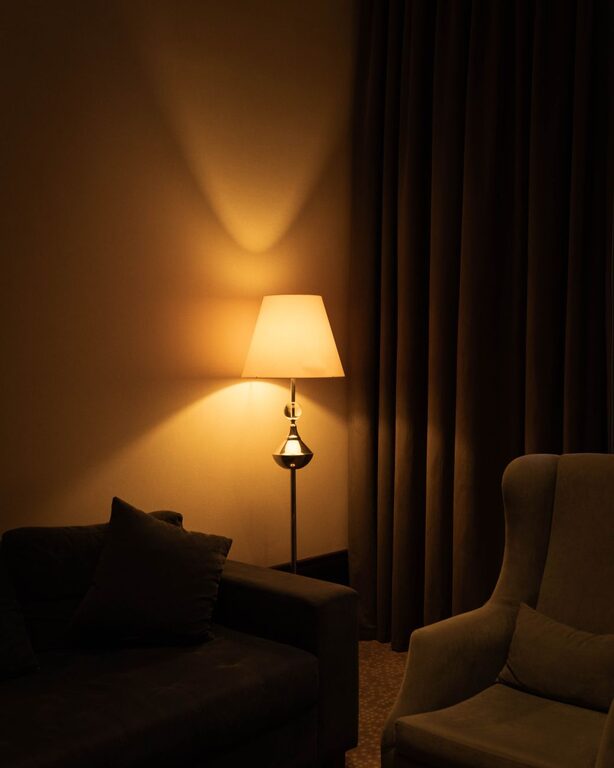
Enhance Lighting
Proper lighting reduces eye strain and sets the right mood.
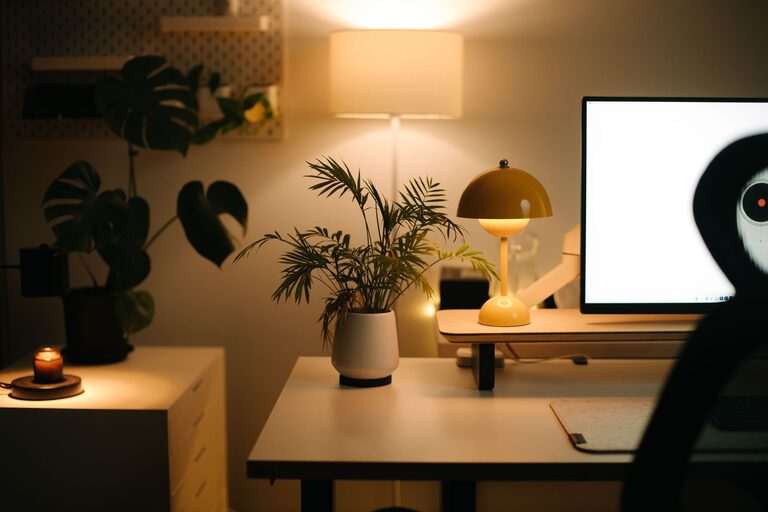
– Layered Lighting: Combine natural light with overhead lights and task lighting like desk lamps.
– Adjustable Lamps: Choose lamps with adjustable brightness or color temperature.
– Avoid Glare: Position screens to minimize glare from windows or lights.
Incorporate Soothing Elements
Adding small comfort elements will make your workspace feel more homey and reduce stress.
– Soft Textiles: A small rug under your desk or a cozy throw can add warmth.
– Aroma: Use subtle scents like lavender or eucalyptus with an essential oil diffuser or candle (if safe).
– Sound: Background music or white noise machines can help you concentrate.
Maintain Healthy Habits
A comfy workspace also supports your well-being.
– Take regular breaks to stretch or walk around.
– Keep a water bottle nearby to stay hydrated.
– Ensure good posture by adjusting your chair and monitor to the right height.
Technology Setup
Make sure your technology complements your workspace rather than complicates it.
– Use wireless peripherals to reduce cable clutter.
– Invest in a good quality headset or speakers for video calls.
– Keep chargers and devices handy with a dedicated charging station.
Final Thoughts
Creating a cozy and inviting home workspace requires attention to comfort, organization, and personal style. By choosing the right location, investing in ergonomic furniture, personalizing with decor and plants, and maintaining good lighting and organization, you can design a space that makes you look forward to work. Remember, your workspace should reflect your needs and preferences, making your work-from-home experience as enjoyable and productive as possible.